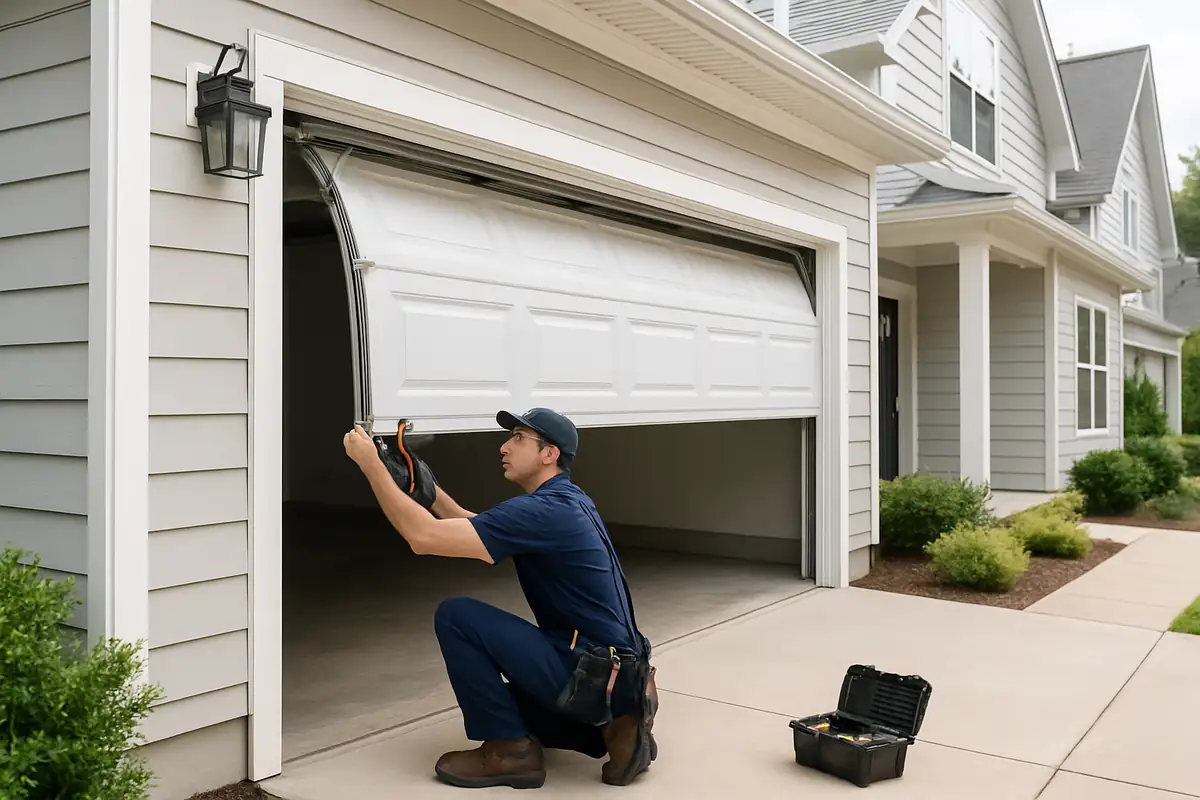
How to Program Your Garage Door Remote: Affordable Garage Door Repair Guide in San Diego, CA

Introduction
Garage doors are an essential part of your home, providing security and convenience. However, programming your garage door remote can sometimes feel like a daunting task, especially if you’re not tech-savvy. But don’t worry! In this guide, we’ll walk you through the steps to program your garage door remote smoothly. Whether you live in a bustling neighborhood in San Diego, CA, or a quiet suburban area, our tips will help you get the job done efficiently.
Understanding Your Garage Door Remote
Before we delve into the programming steps, it’s important to understand the components of your garage door remote. Here’s a brief overview:
- Transmitter: The handheld device you use to operate your garage door.
- Receiver: The component attached to your garage door opener that responds to the transmitter.
- Frequency: The radio frequency that the remote and receiver communicate on, typically ranging from 300 MHz to 390 MHz.
Why You Might Need to Reprogram Your Remote
There are several reasons you might need to reprogram your garage door remote:
- Changing the batteries: A low battery can hinder communication between the remote and the receiver.
- New remote: If you purchase a new remote, it will need to be programmed to work with your system.
- Change of frequency: If your frequency settings change or if your garage door system was reset.
Step-by-Step Guide to Programming Your Garage Door Remote
Follow these steps to program your garage door remote effectively:
Step 1: Gather Necessary Tools
Before you start, make sure you have:
- Your garage door remote
- A ladder (if needed)
- Owner’s manual for your garage door opener
Step 2: Locate the ‘Learn’ Button
The ‘Learn’ button is usually found on the back or side of the garage door opener unit. Here’s how to locate it:
- Climb a ladder to reach the garage door opener.
- Look for a button that may be labeled as “Learn”, “Program”, or has a colored LED light.
Step 3: Clear Existing Codes (if necessary)
If you’re programming a new remote or changing existing settings, it may be wise to reset the system:
- Press and hold the Learn button until the LED light turns off (usually about 6 seconds).
- This will erase all previously programmed remote controls.
Step 4: Program the Remote
Now it’s time to program your remote:
- Press the Learn button once. The LED light will turn on, indicating that the receiver is in programming mode.
- Within 30 seconds, press and hold the button on your garage door remote that you want to use to open the door.
- Release the button when the LED light blinks and then turns off. This indicates the remote has been successfully programmed.
Step 5: Test Your Remote
Make sure everything is working by walking away from the garage door and pressing the remote button. The door should operate smoothly. If it doesn’t, repeat the programming steps.
Common Issues and Troubleshooting
If your remote fails to work after programming, consider these troubleshooting tips:
- Batteries: Check if the batteries in the remote are fresh and properly installed.
- Distance: Ensure you are within the operational range of the receiver.
- Interference: Other electronic devices nearby may interfere with the signal.
Frequently Asked Questions
Here are some common questions regarding garage door remote programming:
Can I program multiple remotes for one garage door?
Yes, most garage door systems allow you to program several remotes. Simply follow the programming steps for each remote.
What should I do if my remote still isn’t working?
If you’ve tried everything and it still doesn’t work, consider contacting a professional service for a thorough inspection. Affordable Garage Door Repair in San Diego is here to help!
Conclusion
Programming your garage door remote doesn’t have to be a hassle. With this step-by-step guide, you should be able to manage your remote with ease. Don’t forget, if you encounter any issues or need assistance, Affordable Garage Door Repair in San Diego, CA is just a call away! Our experienced technicians can help you with any garage door concerns you may have. Don’t hesitate to reach out for reliable service today!
Explore More Resources
Related Articles
Service Areas
We proudly serve San Diego, Rancho Peñasquitos, Sabre Springs, Torrey Highlands, Carmel Mountain Ranch and more areas.
Our Services
Professional garage door repair, spring repair, opener installation and more. View all services →
Garage Door Security: Protecting Your Home with Affordable Garage Door Repair in San Diego, CA
Seasonal Garage Door Maintenance Checklist for Affordable Garage Door Repair in San Diego, CA